
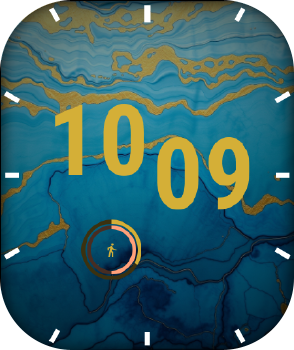
Blue mosaic
Works on: Bip Max
It cannot be installed on other watches.
It cannot be installed on other watches.
How to install
- In the Zepp app: Profile → Settings → About, tap the Zepp logo 7 times to turn on Developer Mode (one time only).
- Profile → Settings → Developer Mode, tap the scan icon at the top right.
- Scan the QR code above (show this page on another screen, or open the link on this phone).
- On the watch, long-press the watch face and choose the new one.
Make your own
Design faces right on your watch with Watch Face Lab: AI designs, photos, animations, curved text. Get it in the Zepp app's App Store (search “Watch Face Lab”). See what it can do.